Grainy Film Overlay Texture
Grainy Film Overlay Texture brings the authentic look of analog photography to AI-generated images. This texture injects tiny speckles and visual noise that replicate the characteristics of traditional film, offering a tactile and imperfect surface effect. It works by layering a grain pattern over the image, enhancing texture without overpowering details. The result is an artistic and cinematic atmosphere that evokes nostalgia and moodiness. This effect is widely appreciated in creative fields where polished digital clarity is deliberately softened to create ambiance and emotional depth. Using this texture helps bridge the gap between digital art and classic photography aesthetics.

Definition
The Grainy Film Overlay Texture is a specialized prompt keyword that adds characteristics of film grain to AI-generated images. It simulates the tiny specks and noise seen in analog photography, creating a textured effect that adds nostalgia and visual interest. Including this keyword helps transform clean digital renders into images with a tactile, imperfect surface that recalls vintage film photography.
Prompt Formula
Use these prompt-building patterns to effectively incorporate Grainy Film Overlay Texture: - "[subject], Grainy Film Overlay Texture, vintage mood, analog style" - "[scene] with cinematic lighting, subtle grainy film effect, soft textures" - "Retro [style] portrait, strong film grain overlay, muted colors" Combine this keyword with lighting descriptors like "moody" or "soft" to emphasize atmosphere.
- [subject], Grainy Film Overlay Texture, vintage mood, analog style
- [scene] with cinematic lighting, subtle grainy film effect, soft textures
- Retro [style] portrait, strong film grain overlay, muted colors
Best Use Cases
- Vintage-style portraits that demand nostalgic emotional impact
- Cinematic scenes where analog film mood enhances storytelling
- Graphic designs with textured backgrounds for retro aesthetics
Creative Variations
To avoid repetitive results, experiment with these variations: - Change grain intensity from subtle to heavy for different moods. - Combine grain overlay with lighting styles such as harsh shadows or soft diffused light. - Apply on diverse subjects: urban nightscapes, natural landscapes, or textured still lifes. - Use color grading variations including sepia, monochrome, or faded tones to complement the grain.
- Adjust grain intensity: subtle to heavy
- Pair with lighting: harsh shadows or soft diffused
- Apply on varied subjects: urban, natural, still life
- Use color grading: sepia, monochrome, faded tones
Industry Applications
- Advertising needing nostalgic or cinematic imagery
- Editorial photography mimicking classic film aesthetics
- E-commerce visuals benefiting from artistic retro textures
FAQ
What does Grainy Film Overlay Texture do to an AI-generated image?
It adds a fine noise layer mimicking analog film grain, creating a textured, nostalgic, and cinematic appearance that softens digital smoothness.
Can Grainy Film Overlay Texture be combined with other textures?
Yes, it works well combined with lighting effects and color grading to create unique vintage styles and moods.
Continue Exploring
Related Prompts
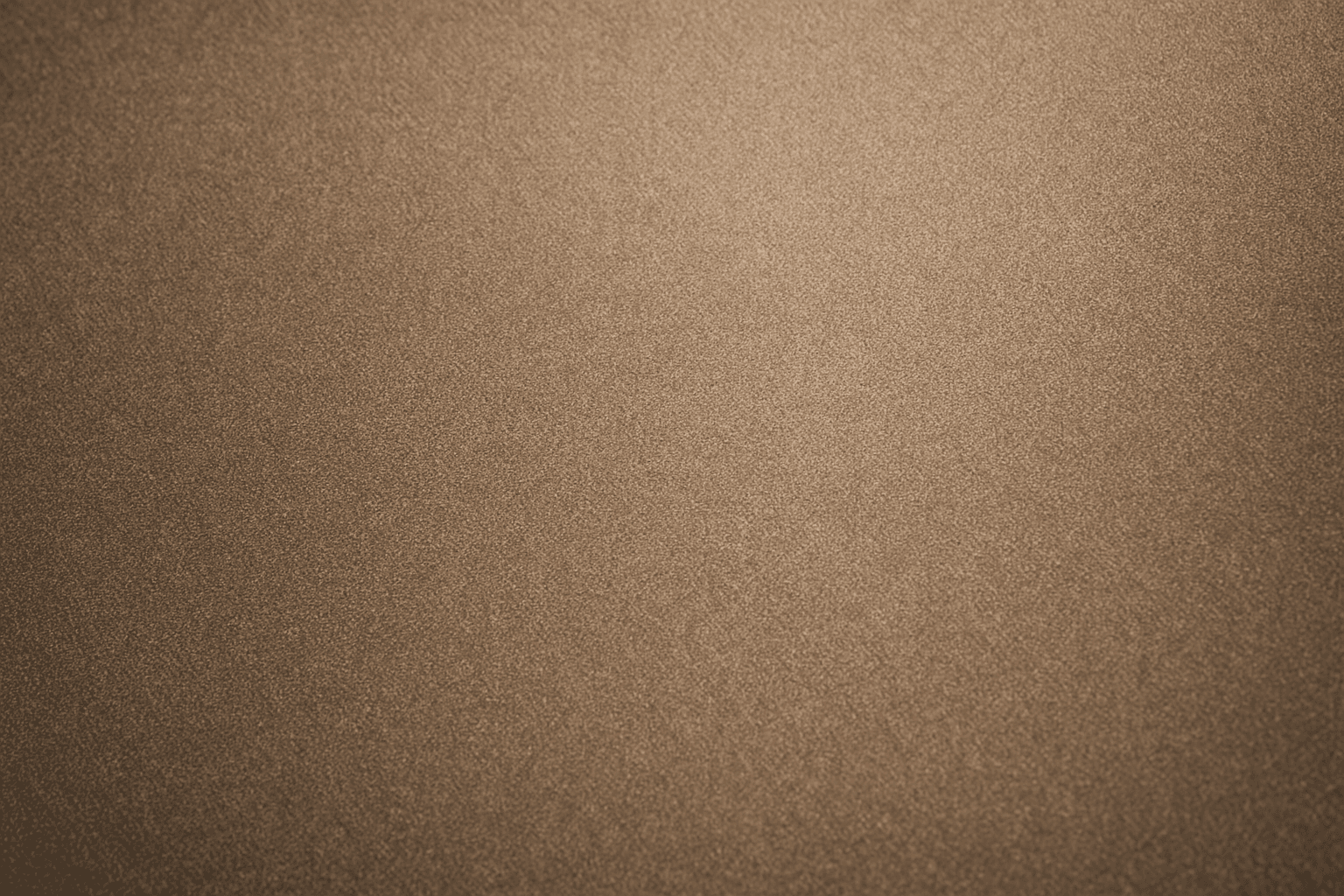
Fine Grain Film Texture
Fine Grain Film Texture is a popular keyword used in AI image generation to replicate the nuanced and refined grain found in analog photographic film with higher emulsions or professional stocks. Unlike coarse grain, fine grain offers a gentle texture that adds organic qualities and depth to digital images, lending them a nostalgic, vintage charm while maintaining clarity and detail. This texture is especially valued in photography-inspired digital art and retro-themed visual designs. Applying this texture can bring a tactile, handcrafted feel to otherwise smooth and digitally perfect images, enhancing mood and artistic expression.
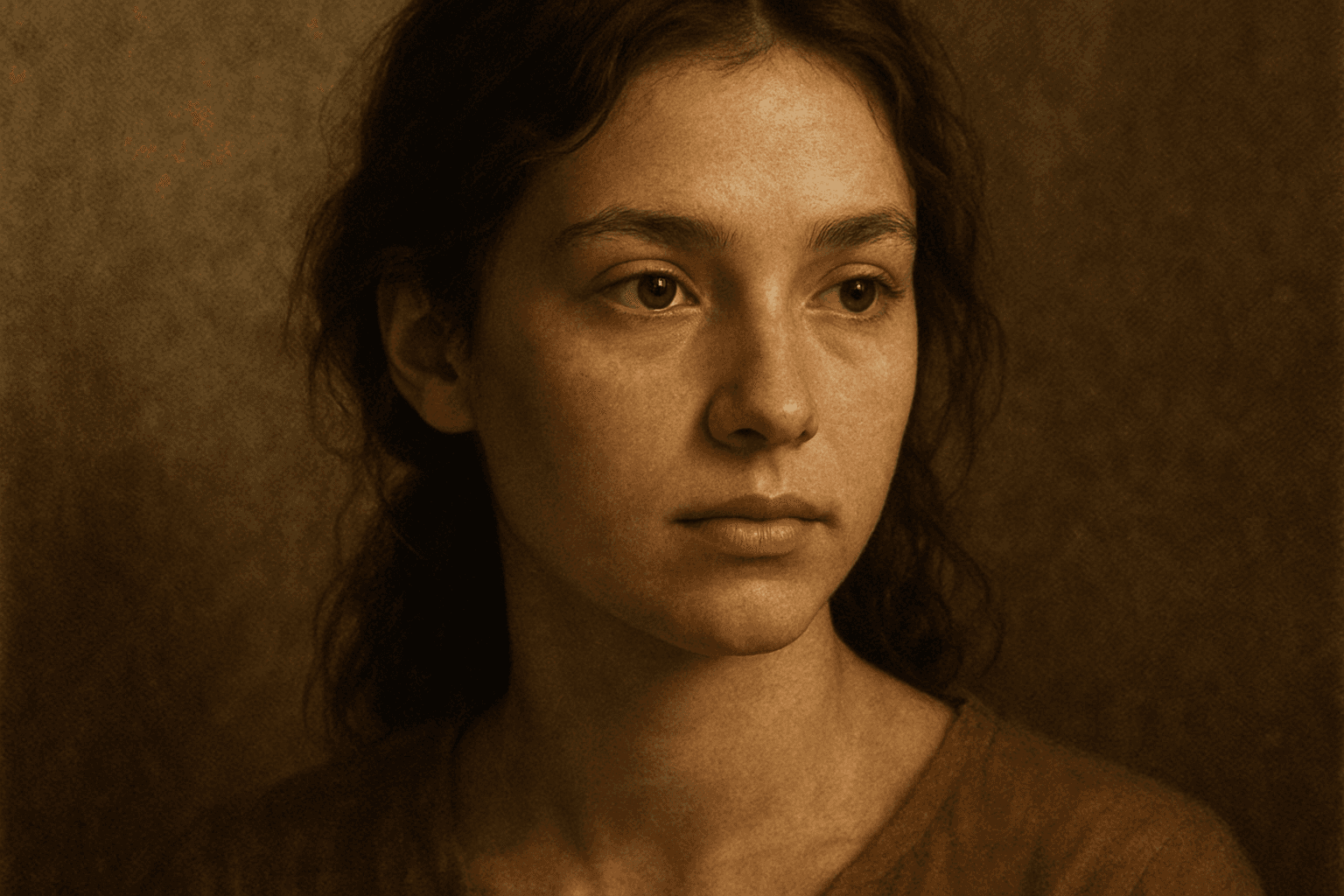
Texture Overlay Techniques
Texture Overlay Techniques are essential for artists and designers using AI image generation to add realistic or stylized surface qualities to their visuals. By specifying textures in a prompt, you can transform flat or generic images into rich, detailed creations that mimic physical materials or artistic effects. These overlays help in achieving mood, authenticity, or unique artistry by adding layers of complexity without altering the core composition. Whether you want a weathered wall effect or a glossy metallic finish, texture overlays deepen the narrative and visual appeal. Understanding how to incorporate texture keywords and their combinations allows for controlled refinement and diverse outputs, making images stand out in editorial, commercial, or creative projects.
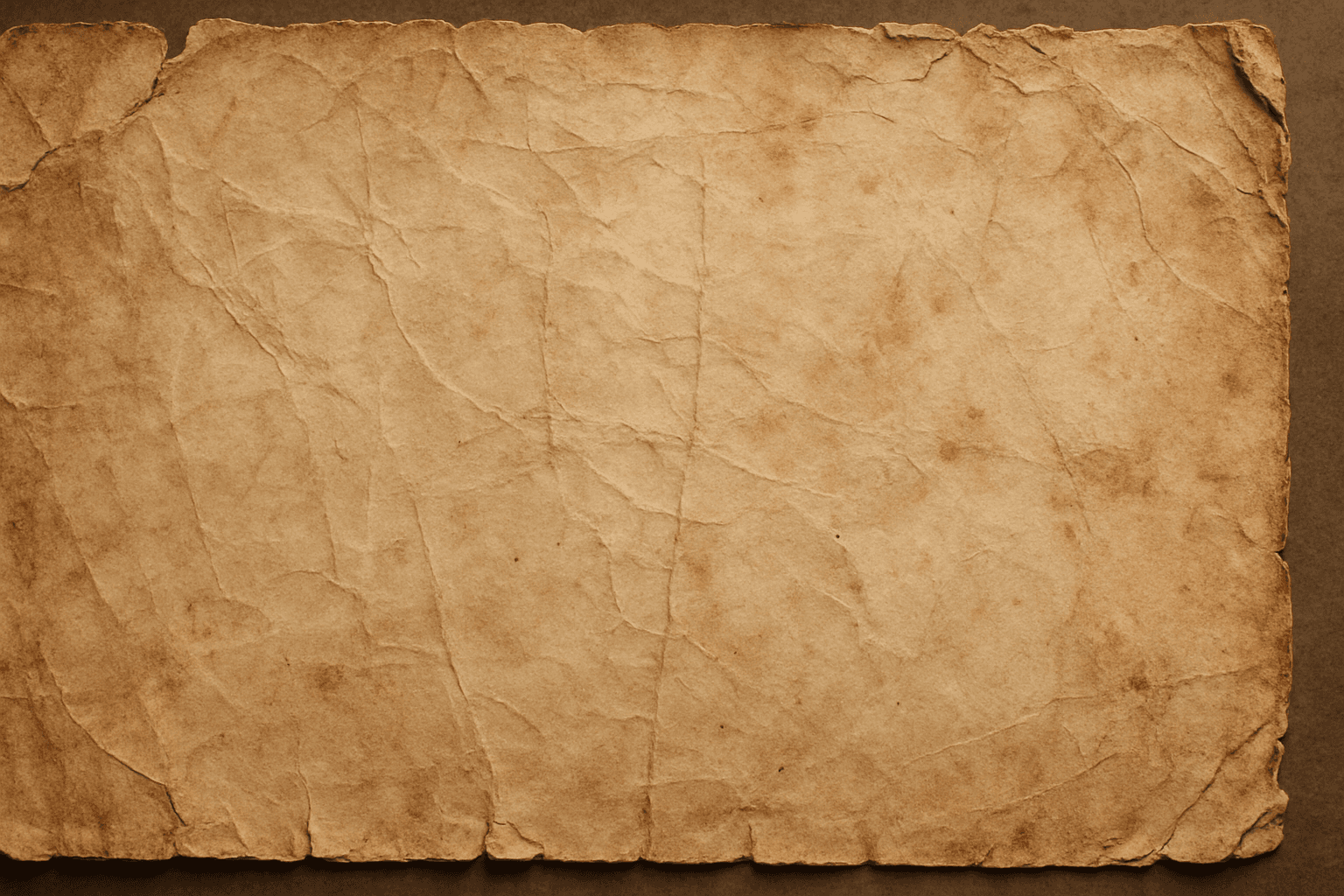
Distressed Paper Texture
The distressed paper texture keyword is a valuable tool in AI image generation that adds authenticity and historical ambiance to digital artworks by simulating the look of aged or damaged paper. This effect is popular for creating backgrounds, overlays, or standalone textures in graphic design, photography adjustments, and illustrative projects. Incorporating distressed paper elements enriches visual storytelling, evokes nostalgia, and can enhance the mood of vintage or handmade aesthetics. Controlled application within prompts ensures that the wear appears natural without overpowering the primary subject.
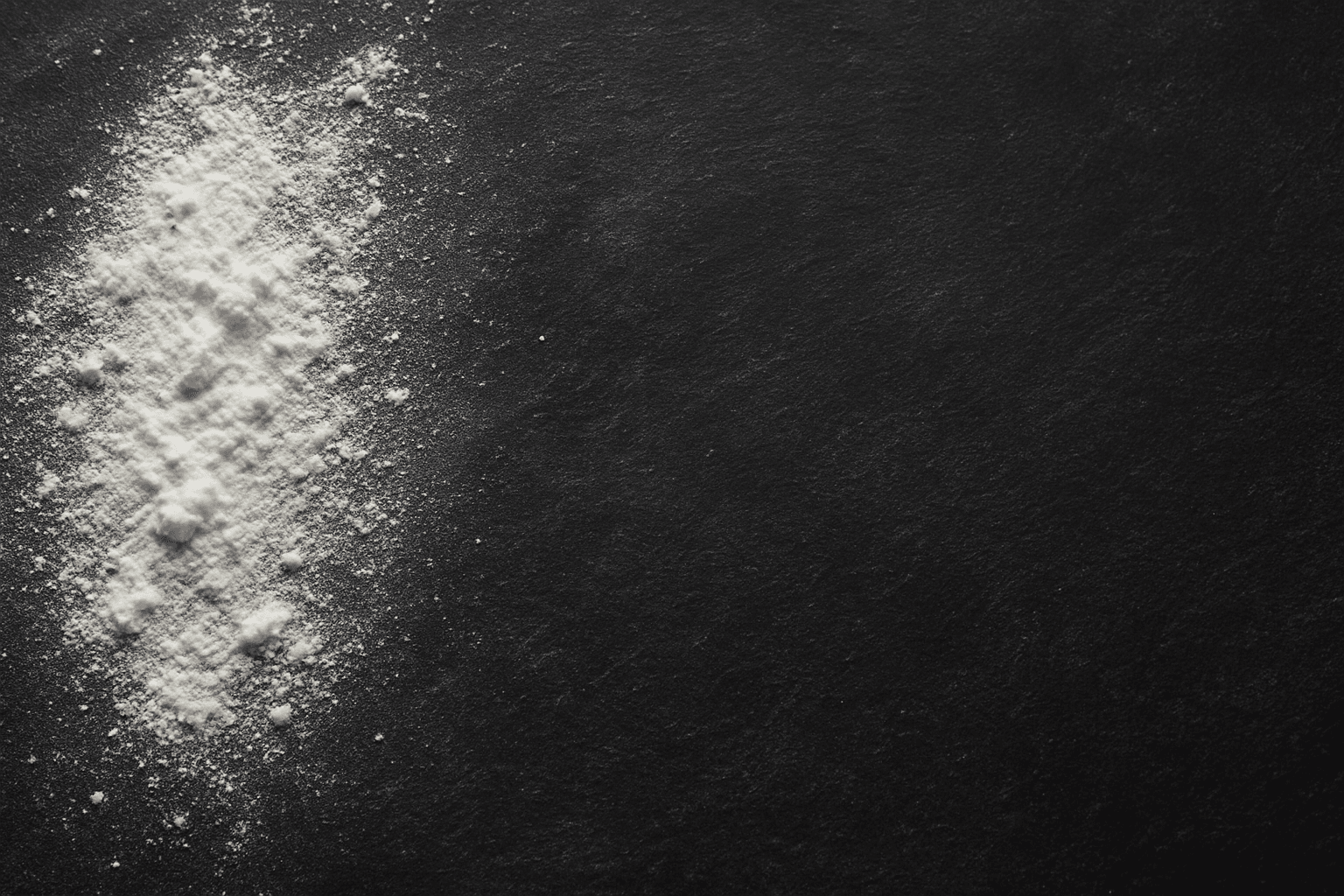
Chalk Texture Background
The 'Chalk Texture Background' keyword is a valuable addition to AI image prompting that instructs the model to render backgrounds mimicking chalk surfaces. This texture evokes an organic, handcrafted aesthetic characterized by grainy, dusty finishes with subtle imperfections. Ideal for mimicking blackboards, chalk art, or educational themed visuals, it adds a tactile quality rarely captured in digital images. When included, it helps deepen visual narratives by infusing backgrounds with textural nuance, useful across creative and commercial projects aiming for authenticity or artistic flair.
Rough Canvas Texture
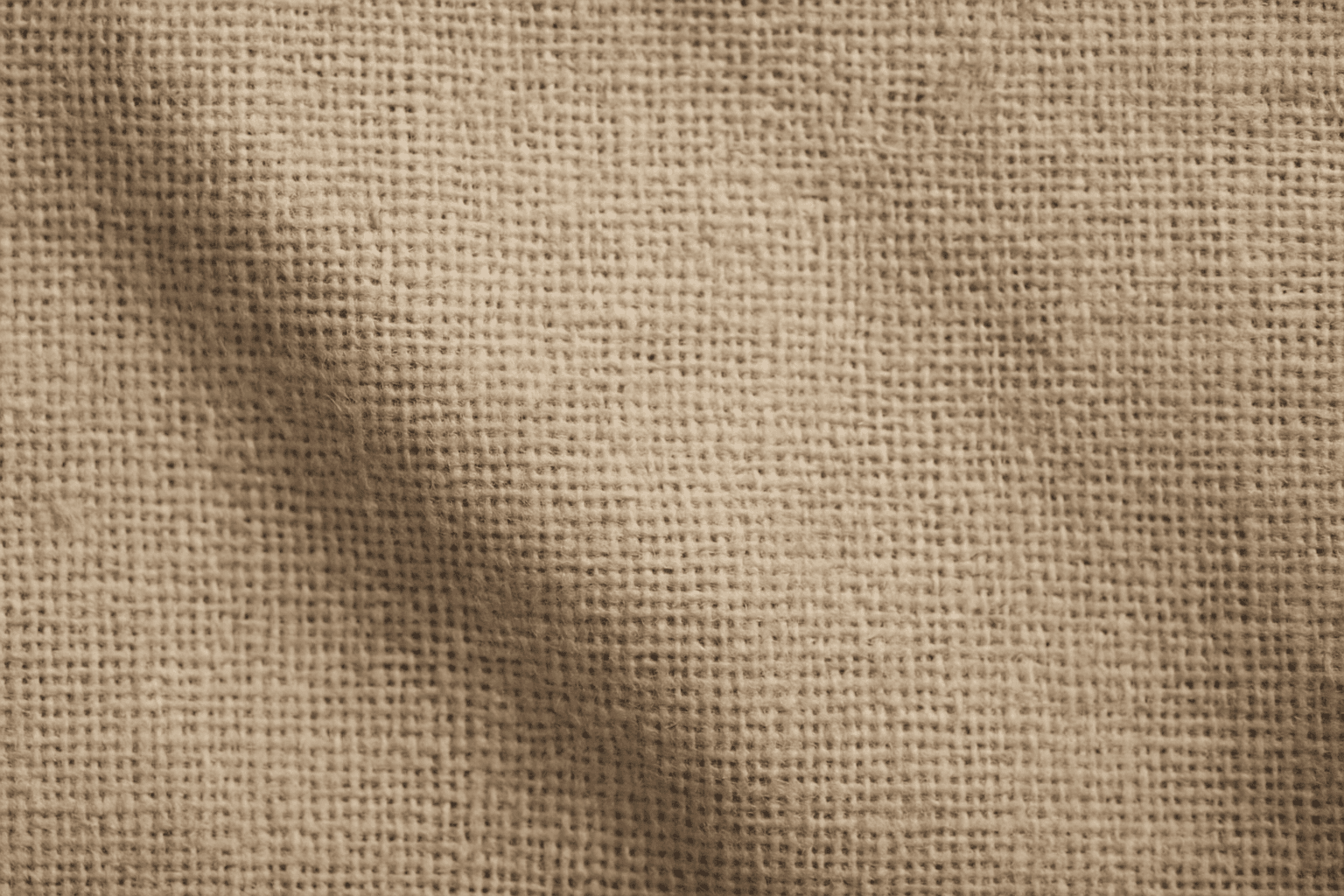
Rough Canvas Texture describes the distinct appearance of coarse woven fabric, typically made from natural fibers like cotton or linen. This texture is characterized by a pronounced weave pattern and a tactile, uneven surface. When used in AI image prompts, it enhances realism by simulating the physical characteristics of canvas materials often seen in paintings, upholstery, or artistic backgrounds. It helps bring a natural, handcrafted feel to digital images, enriching their visual depth and authenticity. This texture suits creative projects aiming to blend digital art with organic elements, serving as a compelling backdrop or detail layer.
Weathered Wood Texture
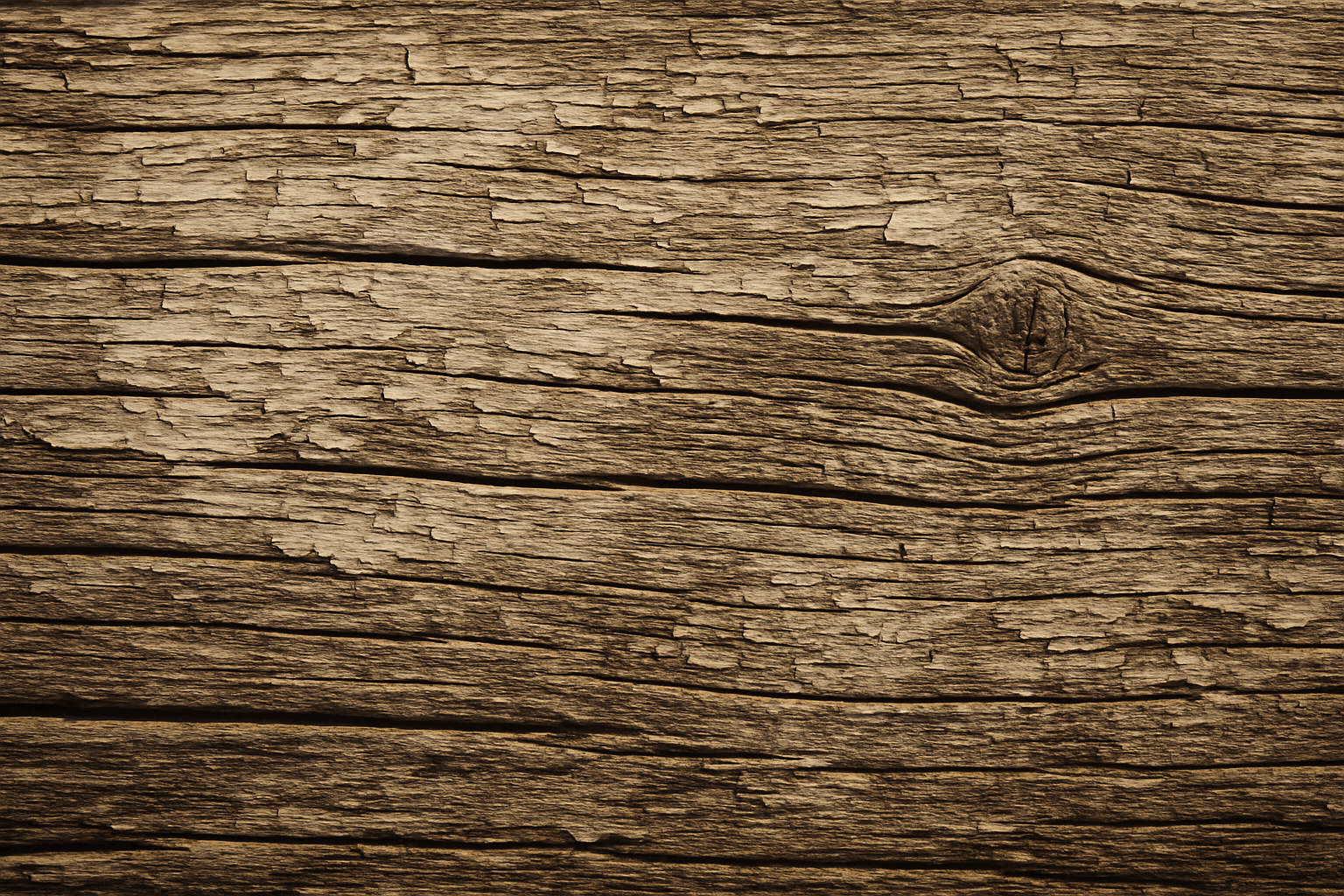
Weathered wood texture is prized in design and digital art for conveying authenticity and natural aging. It evokes warmth and rustic charm by representing wood that has been exposed to sun, rain, and wind over time. When used in AI prompt engineering, incorporating 'weathered wood texture' guides image generation models to produce materials that look tactile and imperfect, often featuring grain irregularities, color variations, and surface damage. This texture works well for backgrounds, architectural visualization, product packaging, and artistic projects where natural, worn aesthetics are desired, adding depth and storytelling potential to digital imagery.